Quick Start
UI Overview
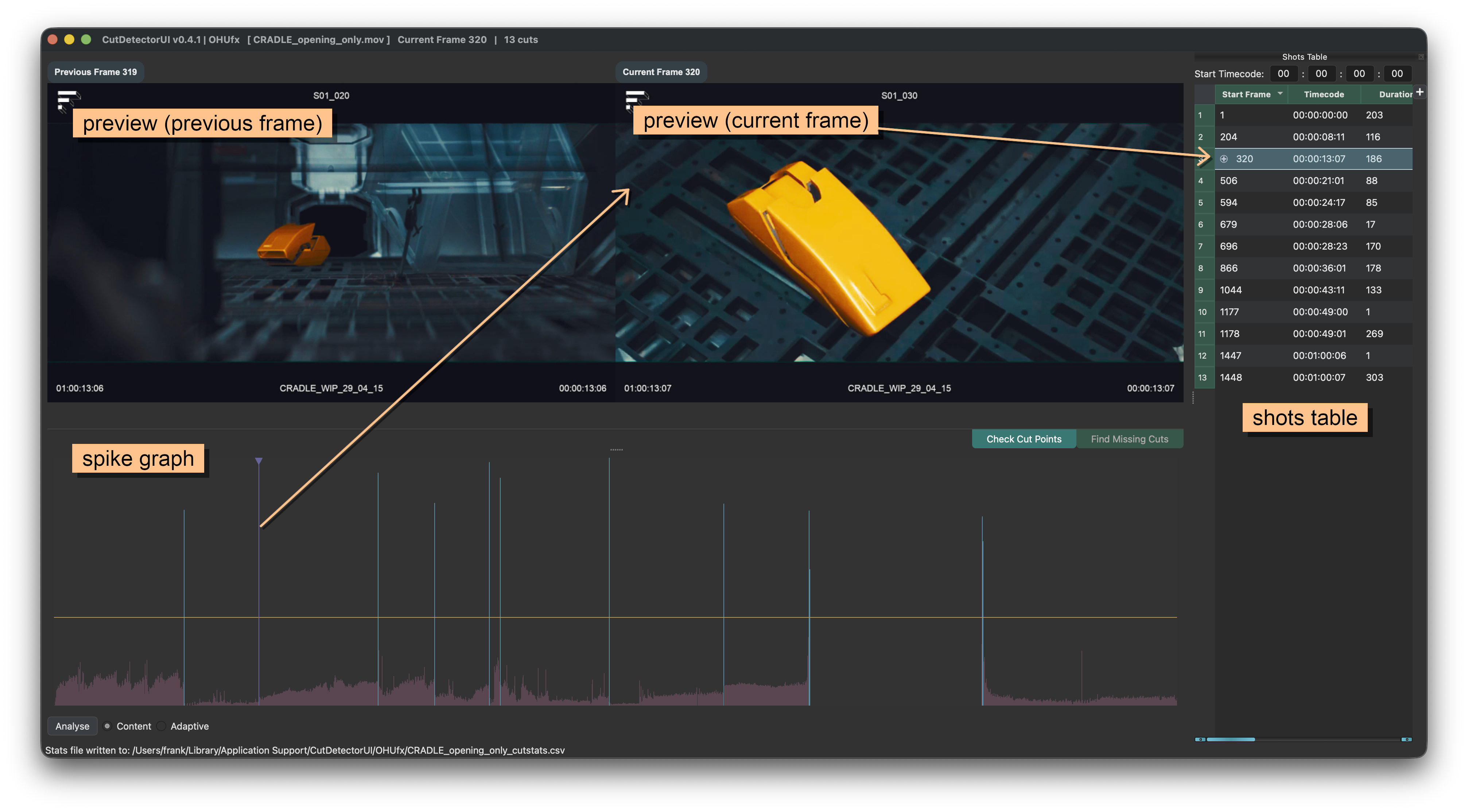
Preview Mode
This mode is best for validating the current cut points in the Shots Table.
Simply jump between cut points with Page Up and Page Down. Verify that the left preview (previous frame) shows a different shot than the right preview (current frame).
Contact Sheet Mode
Contact Sheet Mode is best for finding missing cuts by scrolling through the frames of the current shot.
Select the first frame of a new shot and press C to create a cut at that point.
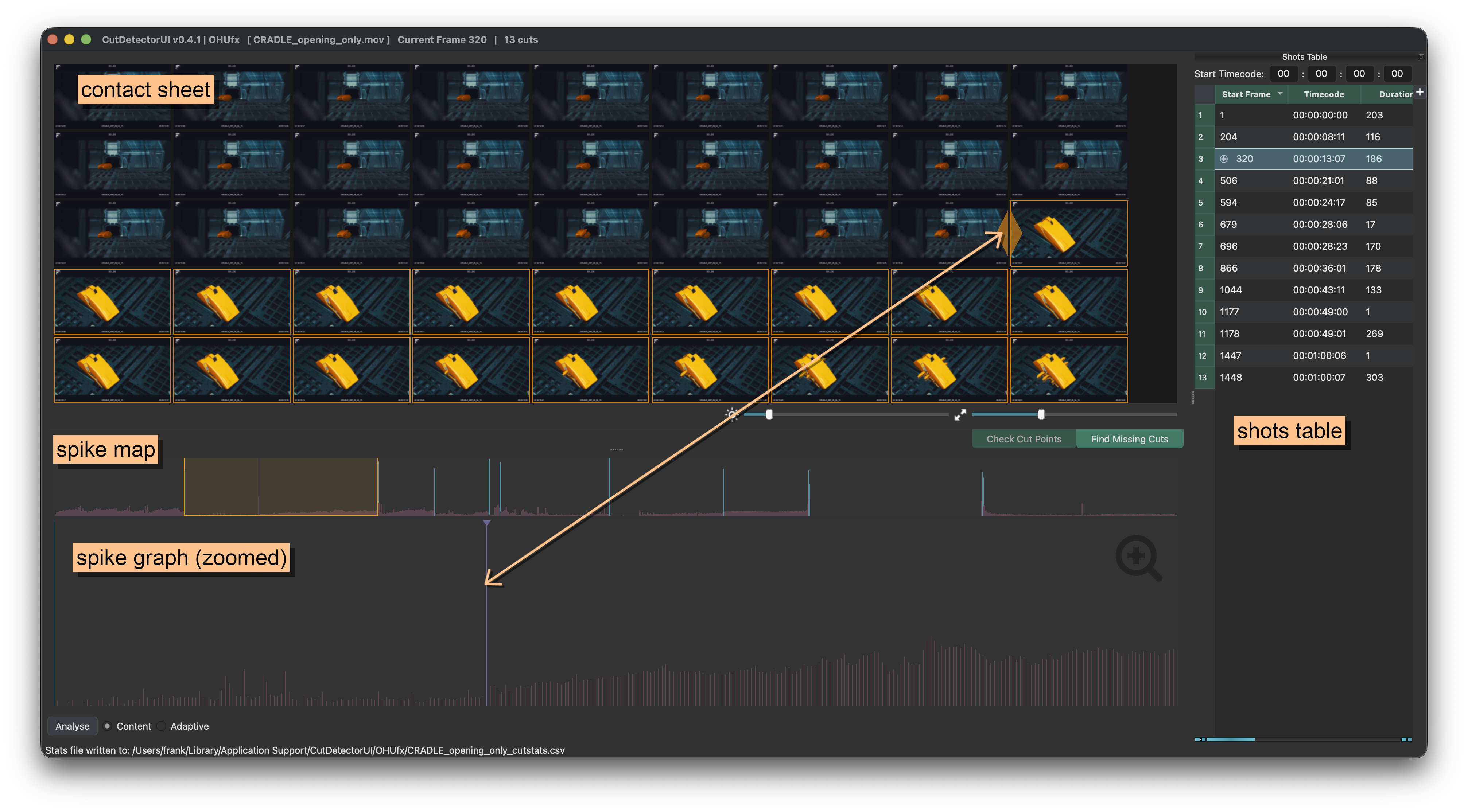
These are the preferred methods for editing analysis results because the user can see exactly where cuts occur.
Spikes can also be selected and added or removed, but in that workflow the corresponding frames are not visible.
For more details see Spike Graph.
1. Import a clip
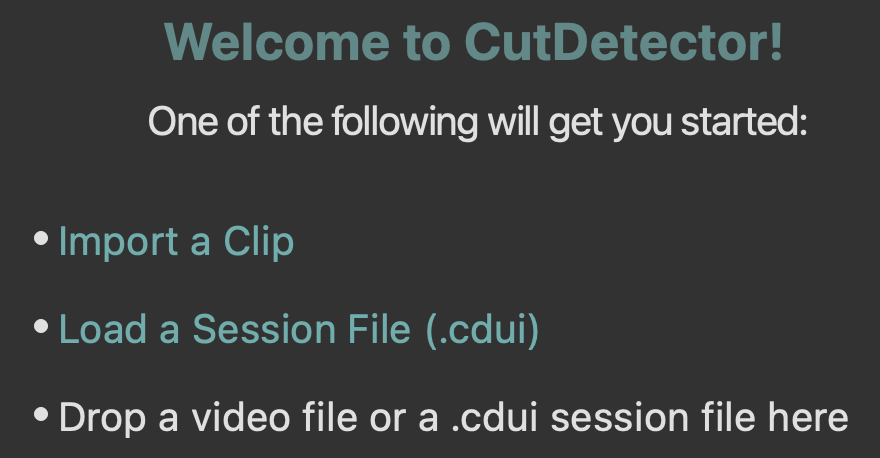 Click the
 Import a Clip hyperlink on the landing page and locate the clip you want to analyse.
See for more details.
2. Detect Cuts
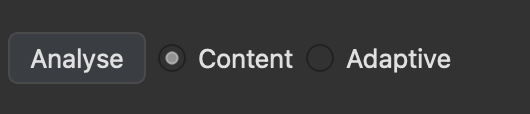 In the lower left corner of the page, click the
 Analyse button (or simply hit Enter).
See for more details.
3. Adjust Threshold
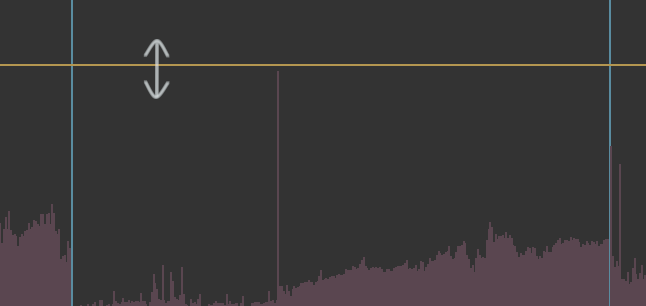 In the Spike Graph adjust the threshold - any spike that crosses it
will be identified as a cut point and added to the Shots Table
4. Verify Cut Points
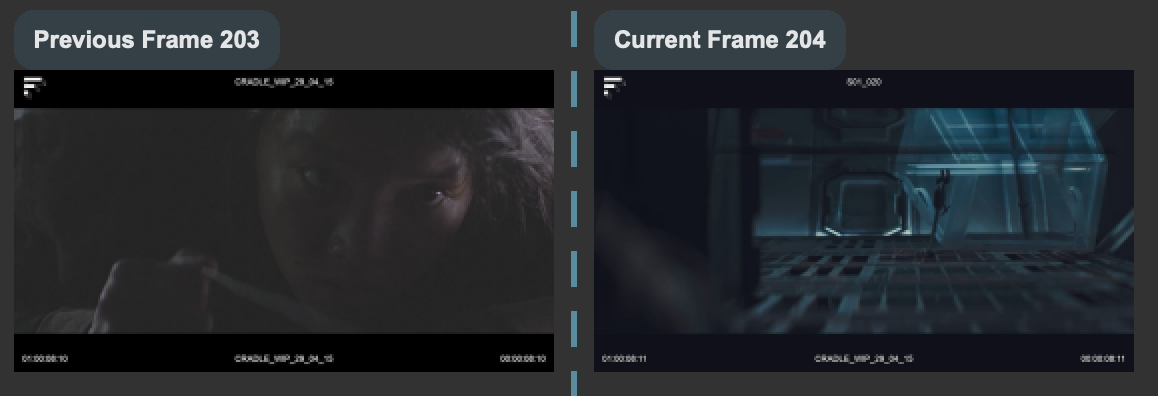 Use Page Up and Page Down to jump between the cut points listed in the table
and ensure the left and right preview windows are showing frames from different shot.
If a cut point is incorrect, place the playhead on it (or select the corresponding table row) and press Del or Backspace.
5. Check Missing Cuts
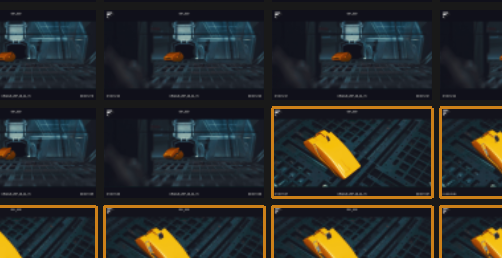 To check for missing cuts, switch to the Contact Sheet mode to see all frames of the current shot
Adjust the thumbnail brightness and scale as neeeded.
If there is a missing cut in the current shot, click on the first frame of the new shot and hit C to cut.
6. Extract Text
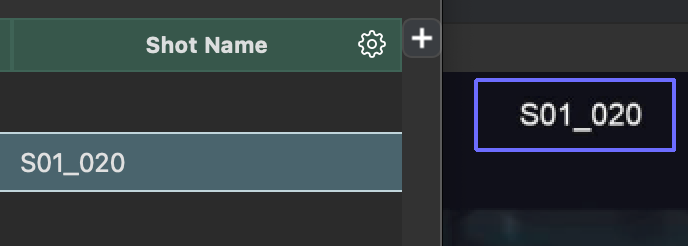 To extract text from the clip, hold Ctrl (Cmd on macOS) and click drag a region over the part of the image that contains text.
In the Shots Table click the gear icon to export the project.
7. Export
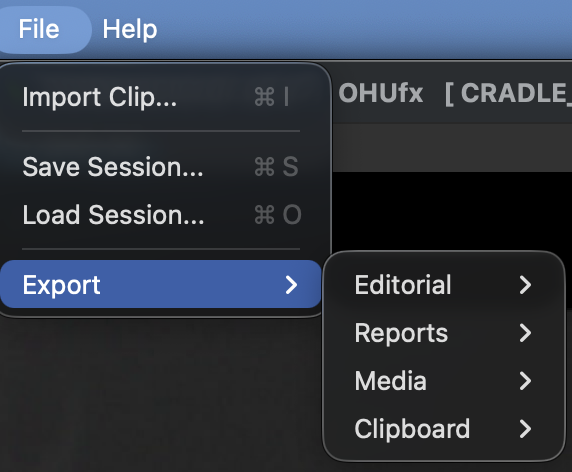 To export the project, go to the
 Filemenu and choose the desired option.
See Exporting for more details.