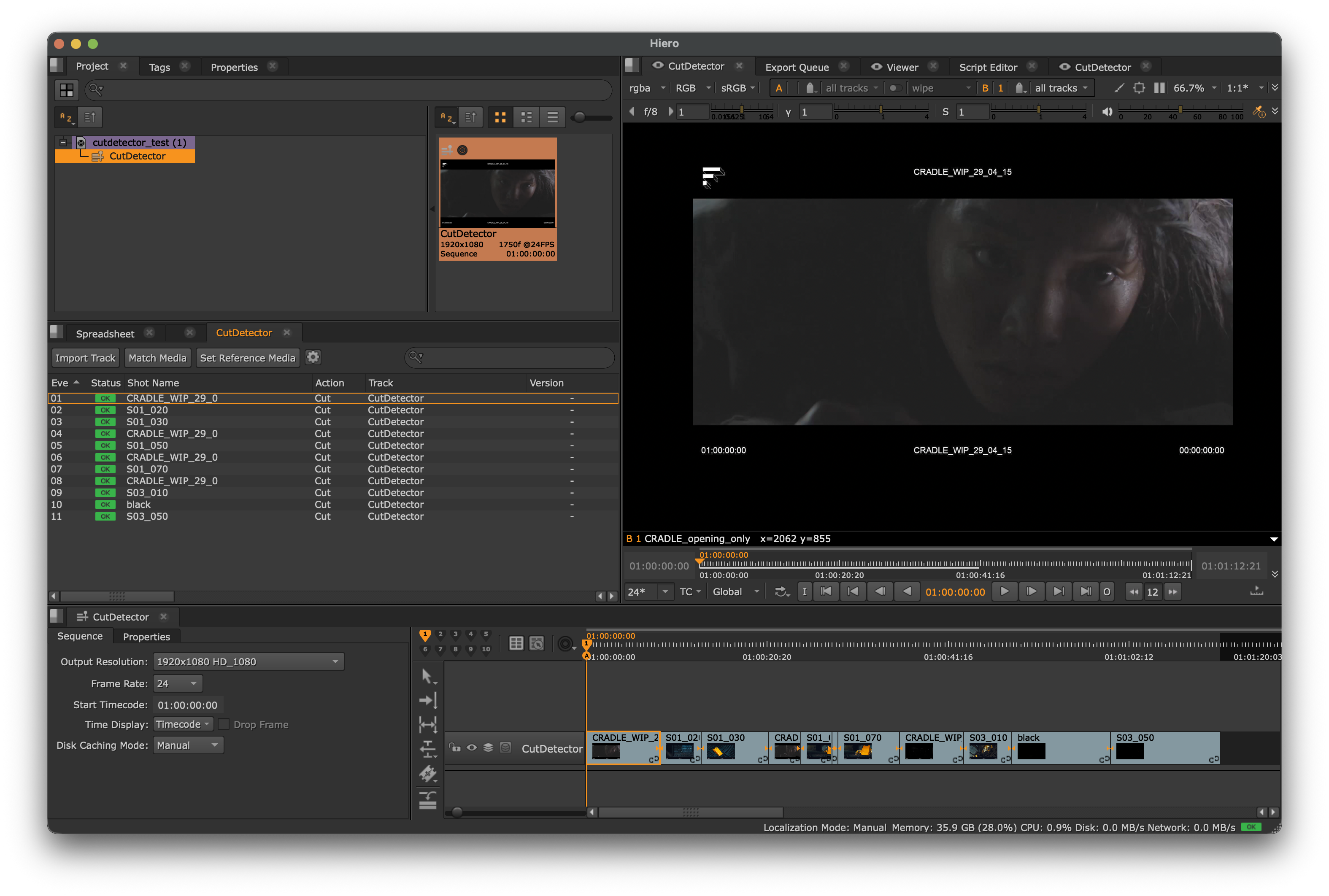
Hiero
The Hiero integrations is done via a simple IPC approach.
When launching CutDetector from inside of Hiero, a communication channel is established between the two processes to send data back to Hiero.
The data that Hiero receives from CutDetector is managed in the Hiero specific plugin that ships with CutDetector.
To make sure Hiero can find CutDetector, use one of the below methods:
Default Plugin Folder
Create a file in this location:
$HOME/.nuke/Python/StartupUI/load_cutdetector.py
Paste the below into it and save it.
Environment Variable
Set the HIERO_PLUGIN_PATH environment variable to the location of CutDetector's plugins folder.
```bash
export HIERO_PLUGIN_PATH=/path/to/CutDetectorUI/plugins/hiero
If you are already using HIERO_PLUGIN_PATH, you probably want to append to its value instead of overwriting it
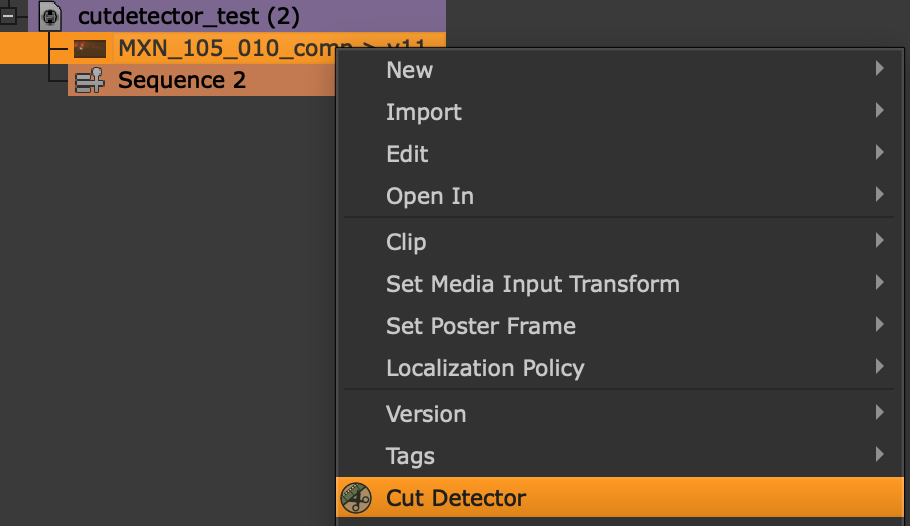
Once either of the above is set up correctly, open Hiero and you should see CutDetector in the context menu for bin items:
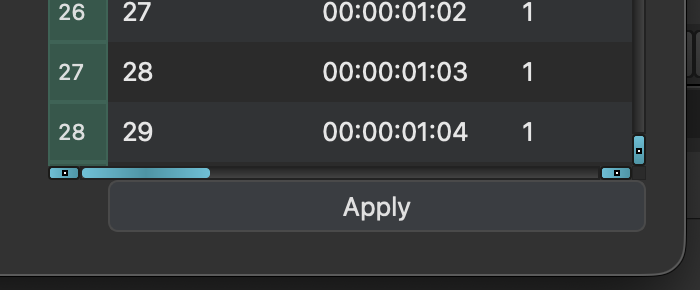
When CutDetector is launched this way, an additional Apply button will appear under the Shots Table.
This button will send the cut data back to Hiero:
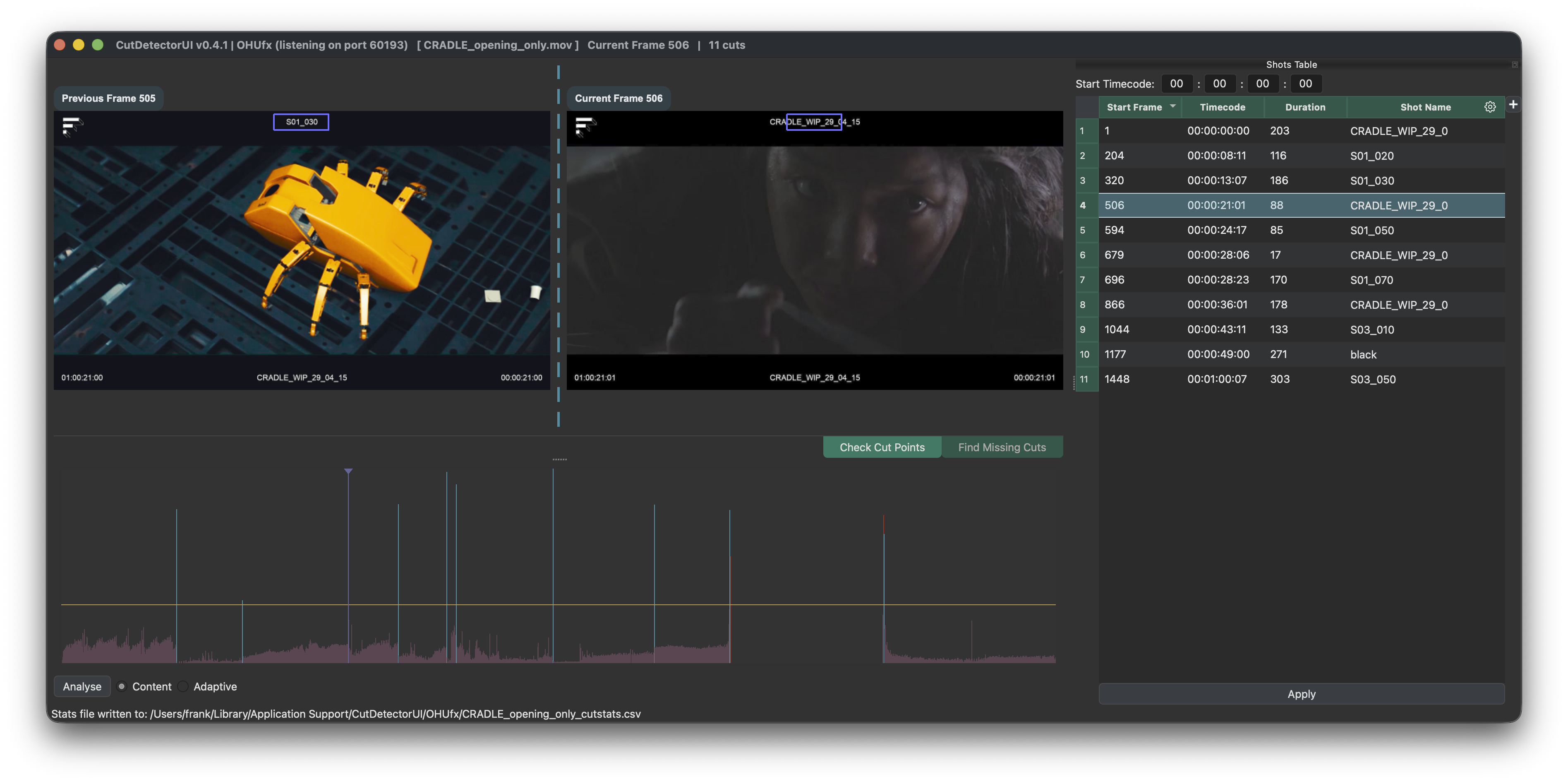
Where the bundled plugin turns it into a Sequence with soft cuts: